 Mirroir
How-To Guide - 4 min read
How to Get Better Outfit Recommendations From AI
The quality of what you get out depends heavily on what the tool has to work with. A few adjustments make a real difference.
Use a Clear, Well-Lit, Full-Body Photo
A cropped, dark, or heavily filtered photo gives the AI far less to work with. A simple front-facing photo, standing, in natural light, with your actual proportions visible, produces a meaningfully more accurate analysis than a flattering angle designed to hide your real shape.
Specify the Occasion, Not Just "an Outfit"
"Recommend an outfit" is a vague request even for a human stylist. Narrowing to a specific context - work, a first date, a summer wedding - gives the AI a real constraint to reason within, instead of defaulting to a generic, safe middle-ground look.
Set a Real Budget Range
If you don't specify a price tier, many tools default to whatever is easiest to find, which often skews toward mass-market basics. Being explicit about budget - whether that means genuinely affordable or willing to spend more - keeps recommendations relevant to what you'd actually buy.
Give Feedback and Regenerate
The first suggestion isn't always the right one, and that's normal. A good AI stylist tool lets you regenerate or adjust quickly rather than treating the first output as final - use that loop rather than settling for a result that's just okay.
Use Virtual Try-On Before Deciding
A recommendation is still a guess until you see it on yourself. Trying the actual result on virtually turns "this might work" into an informed decision, and often reveals that a piece works differently on you than the flat product photo suggested.
Put This Into Practice
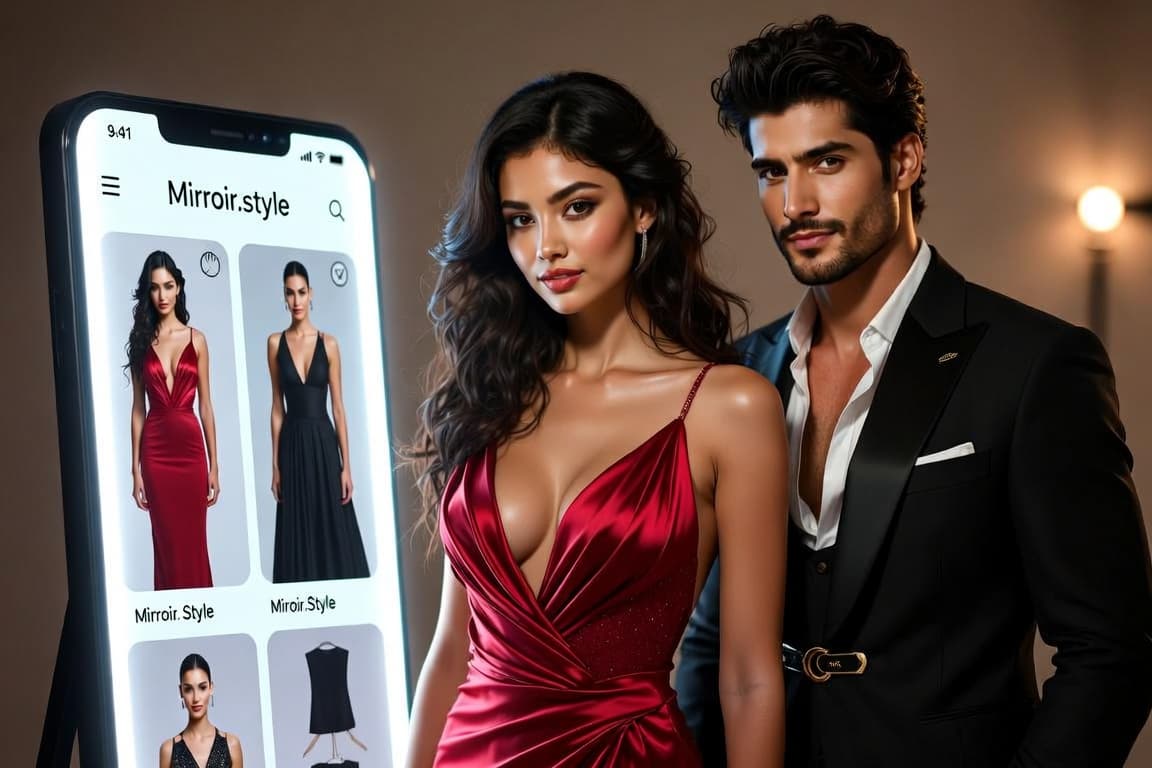
Mirroir is built around exactly this loop - photo-based analysis, occasion and budget filters, and virtual try-on to confirm the result before you buy.
Try it with your own photo
Start Free