 Mirroir
How-To Guide - 4 min read
How to Find the Exact Clothes in a Picture
Sometimes it works. Here's a realistic approach when it doesn't.
Set Realistic Expectations First
Finding the literal exact item - same brand, same listing - only works if it's still in stock and photographed clearly. For older photos or discontinued items, the realistic goal shifts to finding the closest genuine match.
Use a Tool Built for Visual Product Search
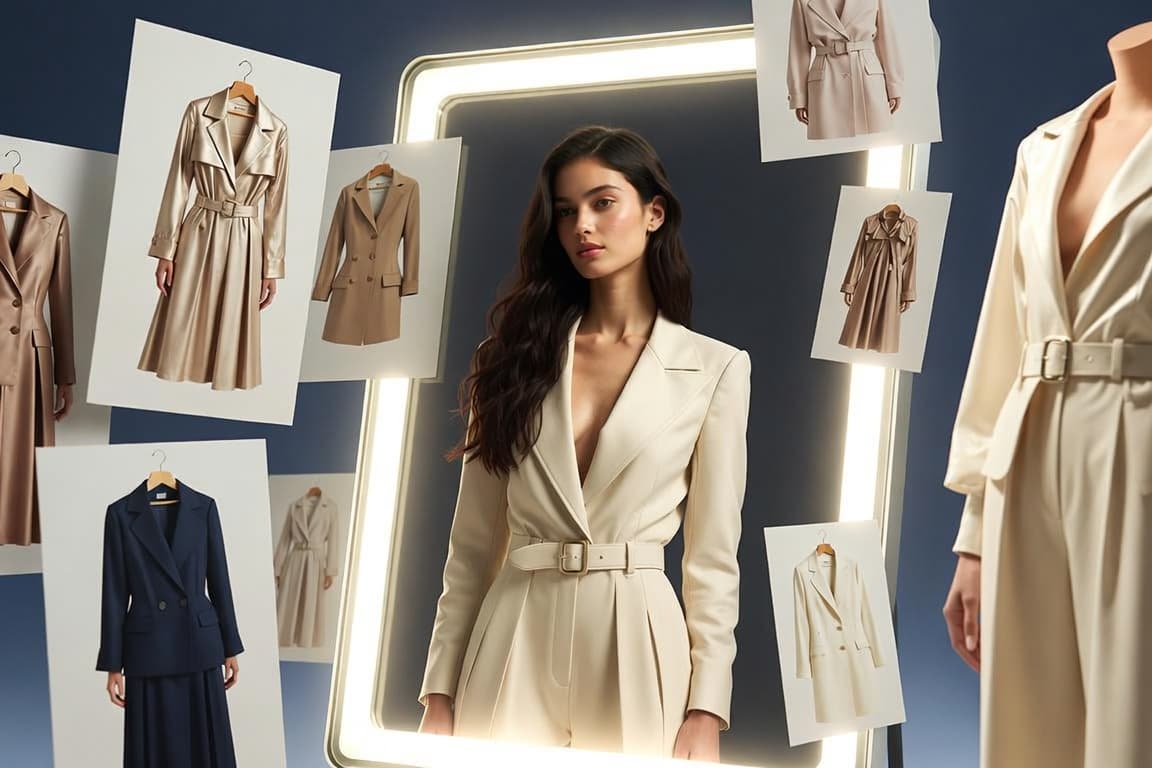
An AI tool trained to identify clothing from images searches by visual features - cut, colour, pattern, style - rather than requiring you to already know what you're looking for.
Provide the Clearest Image You Have
A cropped, well-lit, front-facing shot of the item performs far better than a distant or obstructed photo - if you have multiple images, use the clearest one.
Verify Before You Buy
Compare the found result against the original picture for material, colour accuracy, and cut before purchasing - a genuine match, not just a similar-looking thumbnail.
Try This With Your Own Photo
Mirroir's Recreate a Look and Build This Outfit features are built for exactly this - finding real, matching products from an image you provide.
Related reading
Find the pieces in your photo
Upload a Photo